Tag: Enterprise IT

  • How to Implement High-Availability Engineering (Step-by-Step)

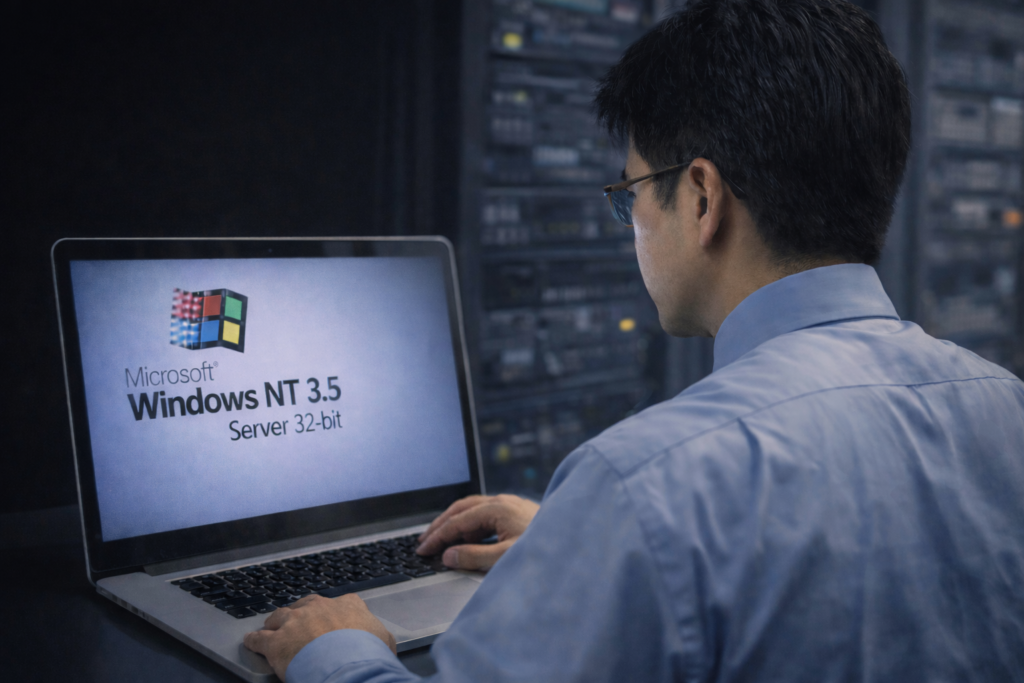
    In the world of Infrastructure Engineering, we often say that “Complexity is the enemy of reliability.” Whether we are managing an M365 environment or a distributed network of remote nodes, the goal is always the same: High Availability (HA).

    As a Senior Engineer, I view system resilience through three specific forensic lenses. Here is how we ensure “Uptime” when the environment becomes unpredictable.

    1. The Heartbeat Protocol: Real-Time Telemetry

    In a distributed system, you cannot manage what you cannot see. Implementing a “Heartbeat” or real-time location sharing for remote assets is the difference between proactive recovery and forensic failure analysis.

    A consistent heartbeat ensures that the central controller knows exactly where the data (or the asset) is at all times. If a node goes silent—especially during a critical window like a 3:00 AM deployment—the system shouldn’t have to wait for a user to report a “down” status; the heartbeat failure should trigger the “Rescue Protocol” automatically.

    2. Edge Hardening: Preparing for Environmental Extremes

    We often focus on the software, but the physical “Base Layer” is where many systems fail. In engineering, we call this Environmental Hardening. Just as we provide thermal protection for outdoor hardware to prevent “cold-start” failures, we must ensure our digital assets have the proper “insulation.” In an enterprise context, this means:

    • Redundant Power: Ensuring “thermodynamic” stability for remote nodes.
    • Physical Security: Using high-fidelity interfaces to maintain signal integrity in noisy environments.

    3. Resource Pooling: Eliminating Single Points of Failure

    The most resilient systems utilize Resource Pooling. By creating a “Joint Account” of resources (storage, compute, or capital), we ensure that the system has immediate access to what it needs, even if one “administrator” is offline.

    Moving from a single-owner architecture to a shared-resource model reduces latency and ensures that the mission (the application) continues to run without interruption. It is the ultimate safeguard against the “Government Thieves” of data—bottlenecks and probate-like locks.

    Forensic Conclusion: True engineering isn’t about building a system that never fails; it’s about building a system that is sensible enough to recover when it does. As the late Bruce Lee said, “The stiffest tree is most easily cracked, while the bamboo or willow survives by bending with the wind.”

    © 2012–2025 Jet Mariano. All rights reserved.
    For usage terms, please see the Legal Disclaimer.
  • 🌥️ The Cloud Above Us

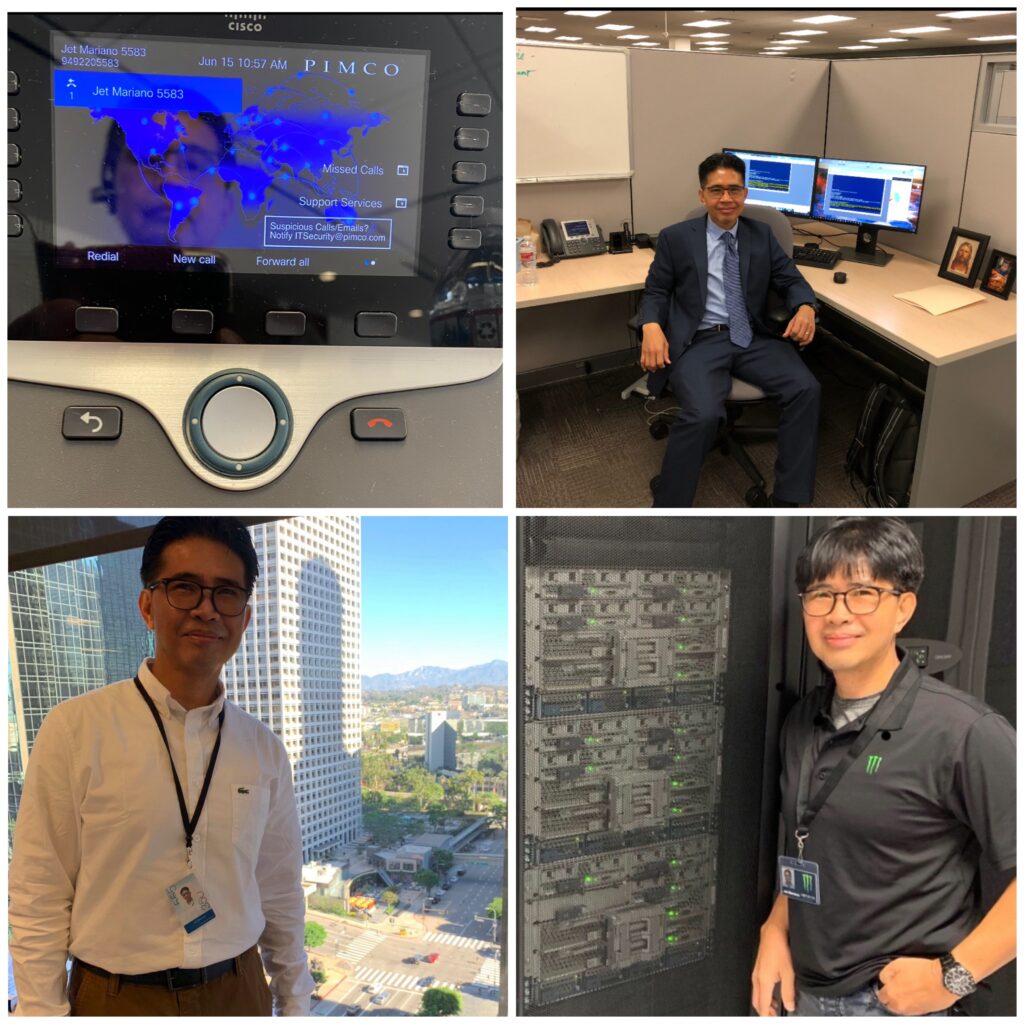
    PIMCO (Newport Beach HQ, CA) 🌍 — Global financial services supporting regions in NA, EMEA, APAC.
    Church (Riverton Office Building, UT) ⛪ — Worldwide infrastructure with 200k employees and over 80k missionaries.
    Monster Energy (Corona HQ, CA) ⚡ — Global enterprise IT operations across NA, EMEA, APAC.
    City National Bank (Downtown LA, CA) 🏙️ — U.S. banking systems at scale.

    A journey across scales: national (CNB), global (PIMCO & Monster Energy), and worldwide (The Church).


    Every IT career tells a story, and mine has moved through three different scales of impact:

    Company-Level Foundations → At PayForward, I migrated an entire OnPrem environment into AWS. That meant setting up VPCs, building HA Exchange clusters with load balancers, and proving the power of cloud for a fast-moving startup.

    Regional / Global Scale → At Monster Energy and PIMCO, the work stretched across North America, EMEA, and APAC. The systems never slept. VMware clusters and M365 tenants had to function as one, even though users were scattered across time zones and continents.

    Worldwide Reach → At the Church, the scale expanded beyond regions. Over 200,000 employees and over 80,000 missionaries, connected by systems that had to reach every corner of the globe, demanded both technical precision and spiritual responsibility.

    This journey shows that the “cloud above us” isn’t just AWS, Azure, or GCP — it’s the ability to design, secure, and sustain systems at every possible scale.

    A colleague once told me: “Automate, or eliminate.” In IT, that isn’t just a clever saying — it’s survival. At the scale of hundreds or even thousands of VMs, EC2 instances, or mailboxes, doing things manually is not just unrealistic — it’s risky. What automation can finish in under 10 minutes might take days or weeks by hand, and even then would be prone to errors.

    That’s why Python, PowerShell, Bash, and automation frameworks became part of my daily toolkit. Not to flaunt, but because without automation, no single engineer could handle the demands of environments as large as PIMCO, Monster Energy, or the Church.


    Snippet 1: AWS (My PayForward Days)

    import boto3
    
    # Connect to AWS S3
    s3 = boto3.client('s3')
    
    # List buckets
    buckets = s3.list_buckets()
    print("Your AWS buckets:")
    for bucket in buckets['Buckets']:
        print(f"  {bucket['Name']}")
    

    From racks of servers to a few lines of Python—that’s the power of AWS.

    Snippet 2: PowerShell + Azure (My Church Years, CNB)

    Connect-AzAccount
    Get-AzResourceGroup | Select ResourceGroupName, Location
    

    One line, and you can see every Azure resource group spread across the world. A task that once required data center visits and clipboards is now just a command away.

    Snippet 3: PHP + GCP (Expanding Horizons)

    use Google\Cloud\Storage\StorageClient;
    
    $storage = new StorageClient([
        'keyFilePath' => 'my-service-account.json'
    ]);
    
    $buckets = $storage->buckets();
    
    foreach ($buckets as $bucket) {
        echo $bucket->name() . PHP_EOL;
    }
    

    Snippet 4: VMware + M365 (Monster Energy, PIMCO, and Beyond)

    # Connect to vCenter and list VMs across data centers
    Connect-VIServer -Server vcenter.global.company.com -User admin -Password pass
    Get-VM | Select Name, PowerState, VMHost, Folder
    
    # Quick check of licensed users in M365 (global tenants)
    Connect-MgGraph -Scopes "User.Read.All"
    Get-MgUser -All -Property DisplayName, UserPrincipalName, UsageLocation |
        Group-Object UsageLocation |
        Select Name, Count
    

    One script, and suddenly you’re seeing footprints of users spread across the globe — NA, EMEA, APAC, or even worldwide. That’s the reality of modern IT infrastructure.


    The “cloud above us” is both a literal technology — AWS, Azure, and GCP that I’ve worked across — and a metaphor. It represents resilience, scalability, and unseen support. Just as automation carries workloads we could never handle by hand, life has storms we cannot carry alone.

    From startups making their first move to the cloud, to global financial institutions, to worldwide organizations with hundreds of thousands of users, the lesson is the same: we are not meant to fight every battle manually.

    We are given tools, teammates, and even unseen strength from above to keep moving forward. The same way a script can manage thousands of servers or accounts without error, trust and preparation help us navigate the storms of life with less fear.

    ☁️ Above every storm, there’s always a cloud carrying potential. And above that cloud, always light waiting to break through.

    Before my cloud journey, I also spent nine years in forensic IT supporting law enforcement — a grounding reminder that technology isn’t only about systems and scale, but about accountability and truth.

    © 2012–2025 Jet Mariano. All rights reserved.
    For usage terms, please see the Legal Disclaimer.

error: Content is protected !!