
Tag: IT Documentation

  • MIT-8 “Prepared in Plenty, Protected in Famine”

    Prepared in plenty, protected in famine. Light always comes after preparation.

    Excerpt
    Preparation today becomes provision tomorrow.


    Intro
    Pharaoh’s dream wasn’t just symbolic—it was a warning. Through Joseph, God revealed a pattern: seasons of abundance followed by seasons of scarcity. The difference between survival and suffering would depend on one thing—preparation.


    Notes from the Scriptures

    Pharaoh saw in his dream seven years of plenty followed by seven years of famine. Through revelation, Joseph interpreted what others could not.

    (Genesis 41:1-36)

    The solution was simple, but required discipline: store during the years of abundance so there would be enough during the years of famine.

    President Gordon B. Hinckley later echoed this same principle:

    “I want to make it very clear that I am not prophesying, that I am not predicting years of famine in the future.”
    “There is a portent of stormy weather ahead to which we had better give heed.”
    (“To the Boys and to the Men,” General Conference, October 1998)

    Preparation is not fear—it is wisdom.


    Perspective
    Joseph didn’t just interpret the dream—he acted on it. Because of that, when famine came, Egypt didn’t panic. They were ready.

    This principle is not limited to ancient times. It applies to finances, to spiritual strength—and even to daily work.

    In IT, I’ve seen the same pattern again and again.

    Systems run smoothly during “years of plenty.” Everything works, tickets are light, and it’s easy to assume things will stay that way. But when failure comes—and it always does—the difference between chaos and control is preparation.

    Documentation is our “stored grain.”

    The modern “corn in Egypt.” Documentation and preparation today become survival tomorrow.

    When systems go down, when key people are unavailable, or when something critical breaks, those who prepared can respond with clarity. Those who didn’t are left scrambling.


    Practice (today, not someday)
    Today I will prepare while things are working. I will document, organize, and plan—not just for my benefit, but for those who may depend on it later.


    Final Reflection
    Joseph didn’t store grain for himself. He prepared for a future he could not yet see. And when the famine came, he was in a position to save others—including his own family.

    Preparation is never wasted. It becomes someone else’s lifeline.


    Pocket I’m Keeping
    What I prepare today may save someone tomorrow.


    What I Hear Now
    “We lose our life by serving and lifting others. By so doing we experience the only true and lasting happiness. Service is not something we endure on this earth so we can earn the right to live in the celestial kingdom. Service is the very fiber of which an exalted life in the celestial kingdom is made. …”
    “The Celestial Nature of Self-Reliance,” October 1982 general conference

    “In their prosperous circumstances, they did not send away any who were naked, or that were hungry, or that were athirst, or that were sick, or that had not been nourished; and they did not set their hearts upon riches; therefore they were liberal to all…”
    Alma 1:30

    “I have heard that there is corn in Egypt: get you down thither, and buy for us from thence; that we may live, and not die”
    (Genesis 42:2)


    © 2012–2026 Jet Mariano. All rights reserved.
    For usage terms, please see the Legal Disclaimer.
  • How to Export and Audit Active Directory GPOs Using Native PowerShell (Step-by-Step)

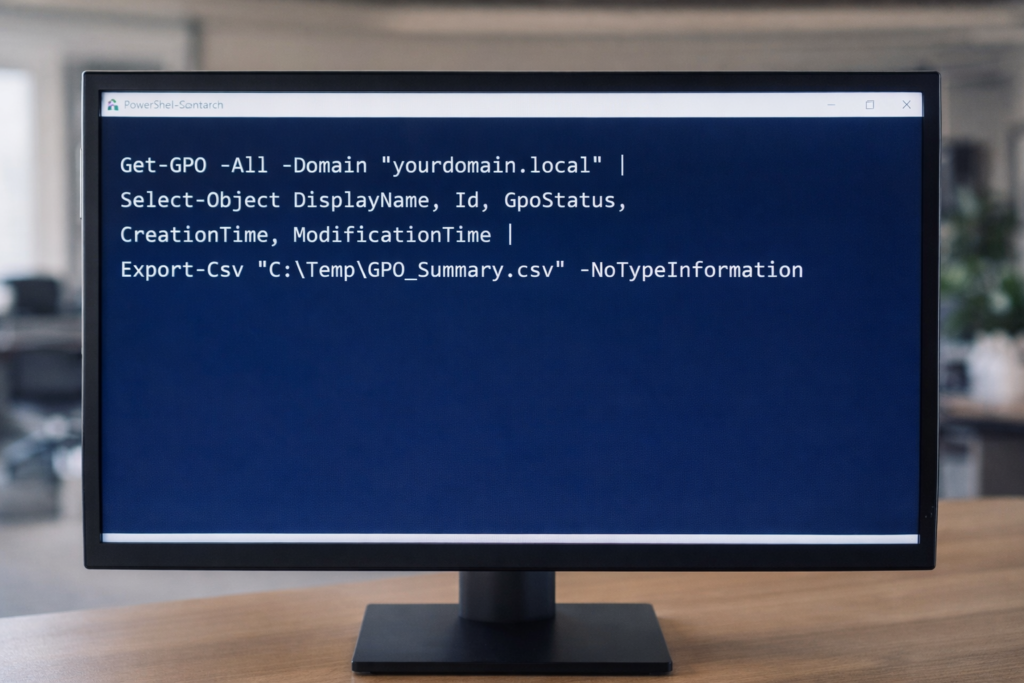
    PowerShell export of Active Directory Group Policy Objects using native Get-GPO and Export-Csv commands to establish a baseline inventory before infrastructure changes.

    Maintaining visibility into Group Policy Objects (GPOs) is critical before domain consolidation, tenant migration, or infrastructure modernization.

    Below are seven native PowerShell commands used to generate a full GPO inventory, validate configurations, and export audit-ready reports.

    All commands use built-in GroupPolicy modules — no third-party tools required.


    1. Export GPO Summary Inventory

    Exports high-level metadata for all GPOs in the domain.

    Get-GPO -All -Domain "yourdomain.local" |
    Select-Object DisplayName, Id, GpoStatus, CreationTime, ModificationTime |
    Export-Csv "C:\Temp\GPO_Summary.csv" -NoTypeInformation


    This provides:
    • GPO Name
    • GUID
    • Status (Enabled/Disabled)
    • Creation Date
    • Last Modified Date


    2. Generate Full XML Reports for All GPOs

    Creates detailed configuration exports for forensic or migration analysis.

    New-Item -ItemType Directory -Path "C:\Temp\GPOReports" -Force
    
    Get-GPO -All -Domain "yourdomain.local" |
    ForEach-Object {
        Get-GPOReport -Guid $_.Id -ReportType XML -Path "C:\Temp\GPOReports\$($_.DisplayName).xml"
    }


    XML reports include:
    • Security settings
    • Registry policies
    • Administrative templates
    • Computer/User configuration details


    3. Generate Executive-Readable HTML Report

    Get-GPOReport -All -Domain "yourdomain.local" -ReportType HTML -Path "C:\Temp\All_GPOs_Report.html"


    Useful for:
    • Leadership review
    • Change control documentation
    • Audit preparation


    4. Identify Fully Disabled GPOs

    Get-GPO -All -Domain "yourdomain.local" |
    Where-Object {$_.GpoStatus -eq "AllSettingsDisabled"} |
    Select DisplayName, Id, GpoStatus |
    Export-Csv "C:\Temp\Disabled_GPOs.csv" -NoTypeInformation


    Helps identify cleanup opportunities before migration.


    5. Validate a Specific GPO (Live Proof Command)

    Get-GPO -Name "Default Domain Policy" -Domain "yourdomain.local"


    Useful for:
    • Live validation
    • Troubleshooting
    • Demonstrating configuration integrity


    6. Export WMI Filters

    Get-GPWmiFilter -Domain "yourdomain.local" |
    Select Name, Description |
    Export-Csv "C:\Temp\WMI_Filters.csv" -NoTypeInformation


    Important when:
    • GPOs are scoped using OS filters
    • Planning domain consolidation


    7. Create a Baseline Snapshot Before Major Change

    Get-GPO -All -Domain "yourdomain.local" |
    ForEach-Object {
        Get-GPOReport -Guid $_.Id -ReportType HTML -Path "C:\Temp\Baseline\$($_.DisplayName).html"
    }


    This creates a point-in-time snapshot for rollback or comparison.


    Why This Matters

    Before:

    • Domain merge
    • Tenant consolidation
    • Intune migration
    • Security hardening
    • Infrastructure cleanup

    You need visibility.

    PowerShell provides:
    • Repeatability
    • Transparency
    • Audit defensibility
    • No dependency on external tooling

    © 2012–2026 Jet Mariano. All rights reserved.
    For usage terms, please see the Legal Disclaimer.

error: Content is protected !!